Digital Wallet - Auto Refill
The user will need admin access to complete this task! |
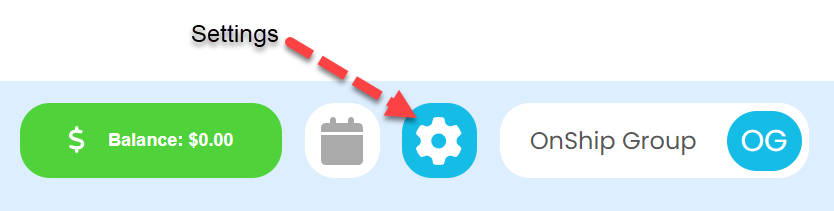
Click on the gear (Settings) icon at the top right corner of screen |
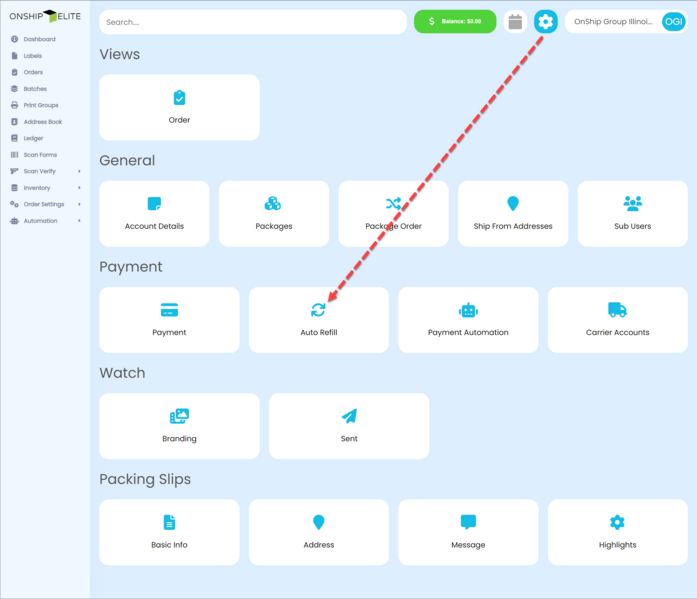
In the Payment section of the screen click the "Auto Refill " button |
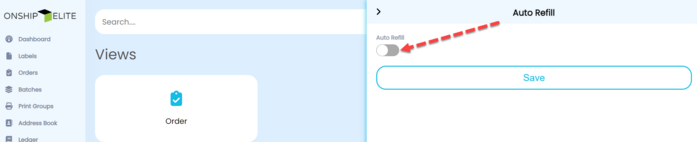
Slide the Auto Refill switch to on in the right side panel |
Enter the Threshold and Refill amounts and click the "Save" button |
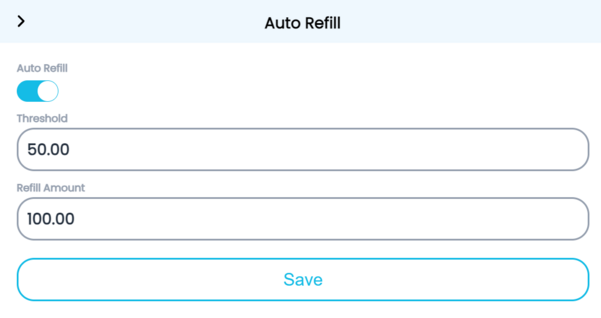
The "Threshold" is the balance wallet will get to before "Refill Amount" is added. |